Video, at the quality you choose
Fansly streams video in pieces that a player reassembles in the page, which is why a copied link gives you nothing useful. Fanripper reads the stream through your own session and writes a clean, seekable MP4.
Fansly streams its video in pieces, so a copied link comes back with nothing you can play. Fanripper reassembles it through the session you are already signed into and writes a clean MP4 — plus photos, DM media and whole timelines. Free on any plan.
Free to install, and Fansly downloads cost nothing — you just need a free Fanripper account. Whole-timeline backups and “download all” on a multi-attachment post need Pro.
The same engine that handles OnlyFans, pointed at Fansly, so it is not a bolted-on afterthought.
Fansly streams video in pieces that a player reassembles in the page, which is why a copied link gives you nothing useful. Fanripper reads the stream through your own session and writes a clean, seekable MP4.
Every rendition the manifest carries — commonly 1080p, 720p and 480p — with a size estimate next to each, and it defaults to the best one. If the rung you picked cannot be resolved, the file is honestly labelled “source” rather than given a resolution it does not have.
The largest signed variant Fansly exposes — the original where Fansly serves one — including the photos inside multi-media bundles.
The download button mounts on conversation attachments too, one per item — not just on the public feed.
Queue an entire creator and walk away. It pages back through the timeline at a human rhythm, skips anything a previous bulk run already saved, and sorts into a folder per creator, per run date.
Finished downloads can go on to Mega or Gofile, with Telegram linked so you can browse the library from the bot. Cloud + Telegram add-on — $4/month, works on any plan including Free.
Download the file, unzip it, load it from your browser’s extensions page. No desktop app, no Python, no command line.
Fansly photos and video cost nothing to download — no plan needed, though you do sign in to a free Fanripper account first. Backing up a whole timeline, or “download all” on a post with several attachments, needs Pro ($8/month) — bought inside the extension, or from a phone at app.fanripper.com, in crypto or Telegram Stars, no card and no KYC.
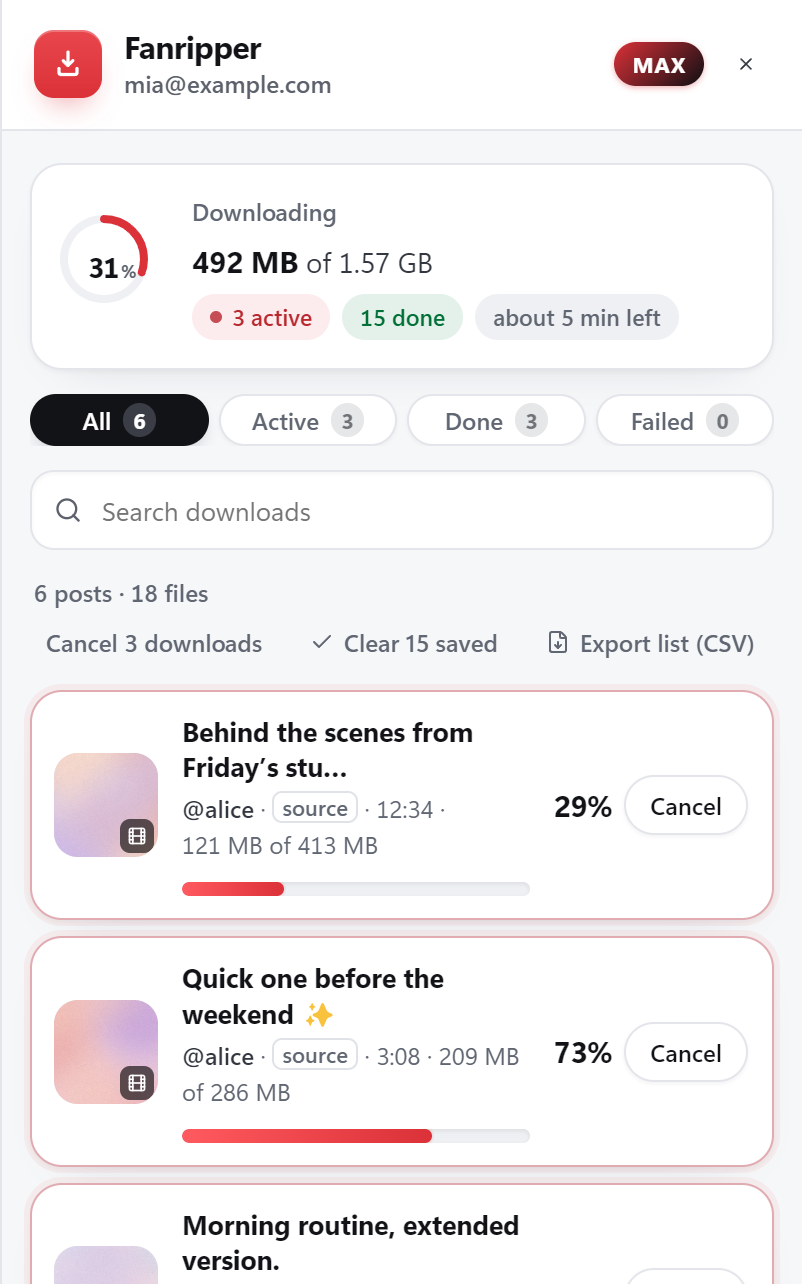
Sign in as you normally would. A download button appears on posts and on DM attachments — click it for one item, or open the drawer to queue the whole timeline.
Sign in to Fansly inside the Fanripper app and tap Save on a post or a DM attachment. It’s free on the phone too — the same free Fanripper account, the same rules as the extension.
Runs inside Expo Go, a free app on the App Store and Google Play — no APK. It saves one file at a time while it’s open on screen. Open it only from fanripper.com/app.
Photos, video and DM media download free. Whole-timeline backups start at Pro. Max and Lifetime add the other three sites on top.
$5/ month
$8/ month
$15/ month · $99 once
We would rather say it here than let you find out. On Fansly, a bulk run covers a creator’s timeline — it does not yet sweep your DMs, your purchases or every creator you subscribe to in one go, and it has no date or media-type filters the way the OnlyFans backup does. There is no story download, and Fansly is the one site with no crawl checkpoint — an interrupted run is restarted rather than resumed (the skip-list makes a restart cheap).
One engine limit: a rare Fansly video is published only as an HLS stream, and those are not supported yet — the download fails loudly with a clear reason rather than saving you a broken file. Everything else on this page ships today.
Yes. Fansly serves video as an adaptive stream rather than one file, so a right-click or a copied link gives you nothing playable. Fanripper reads that stream through the session you are already signed into and writes an ordinary MP4 to your Downloads folder, with the quality rung you picked.
No. Fansly video is not encrypted the way OnlyFans video is, so there is no licence step and nothing to decrypt — it is a matter of reassembling the stream correctly. Fanripper still refuses to write a file if it ever encounters protected content rather than saving unplayable output.
Yes. The picker lists every rung Fansly publishes for that video — typically 1080p, 720p and 480p — with a size estimate for each, and defaults to the best available.
You can back up a creator’s full timeline in one run, on Pro and above. It pages back through the posts for you, skips anything an earlier bulk run already saved, and folders the results by creator and run date. Bulk backup on Fansly covers the timeline — it does not yet sweep DMs or your purchases as a batch, though you can download those individually with the chip, free.
None, for the downloads themselves — Fansly photos, video and DM media are free on any signed-in account. Whole-timeline backups need Pro ($8/month) or above. Max ($15/month) and Lifetime ($99 once) add JustForFans, privacy.com.br and Fanfix on top.
No. It works through the session already open in your browser, and files are assembled on your own device. We never ask for, see or store your platform credentials.
No. Fanripper only saves what your account can already open as a subscriber or buyer. Locked media shows its details and routes you to the purchase screen — it is never downloaded.
Install free, unlock a plan, and start saving in full quality — on your own device, without ever handing over a password.
Fanripper is an independent tool and is not affiliated with, endorsed by, or connected to Fansly. Save only content you have lawful, paid access to.